An invisible desktop companion for macOS and Windows. It runs
cleanly in the background, identifying repetitive friction points in your
daily workflow.
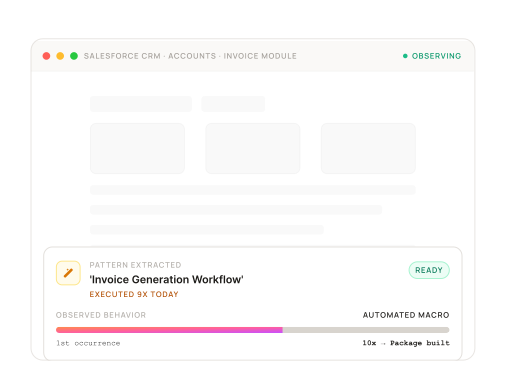
Our system never acts without your permission. When a
pattern crosses the efficiency threshold, a native desktop
notification suggests the automation. You review the first
output, click approve, and let the agent manage it moving
forward.
Pattern Detected → Notification Sent
Native OS notification fires only after the efficiency threshold is
crossed — never before.
First Output Always Human-Reviewed
You inspect the extracted log before any autonomous execution is
permitted.
One-Click Approval → Agent Takes Over
Approve once and the agent schedules the loop autonomously
from that point forward.
ZERO AUTONOMOUS ACTIONS WITHOUT EXPLICIT APPROVAL
TRUST & ISOLATION
Governance Controls for
Autonomous Agents.
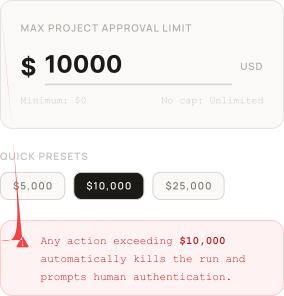
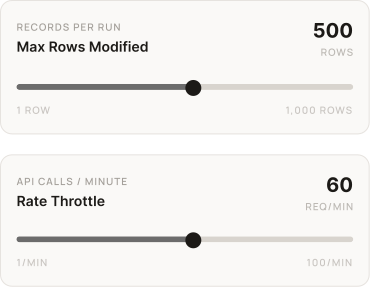
Define hard operational boundaries, app blacklists, and spending limits directly
within the application management interface.